How to Collect Applications and Documents Through WhatsApp Forms
Learn how organisations can collect structured applications, registrations, and documents through guided WhatsApp conversations with Wasiku Ask.
Why application and document collection becomes difficult
Applications often arrive through a mixture of email attachments, phone calls, chat messages, and paper documents. Important details can be spread across different conversations, while staff spend time copying information into another system. Missing fields, unclear photos, and forgotten follow-ups slow down the work.
The real problem is fragmentation. Your team needs complete information in a consistent format, connected to the right customer and ready to review. A guided WhatsApp form helps bring that process into one familiar conversation.
How WhatsApp forms work
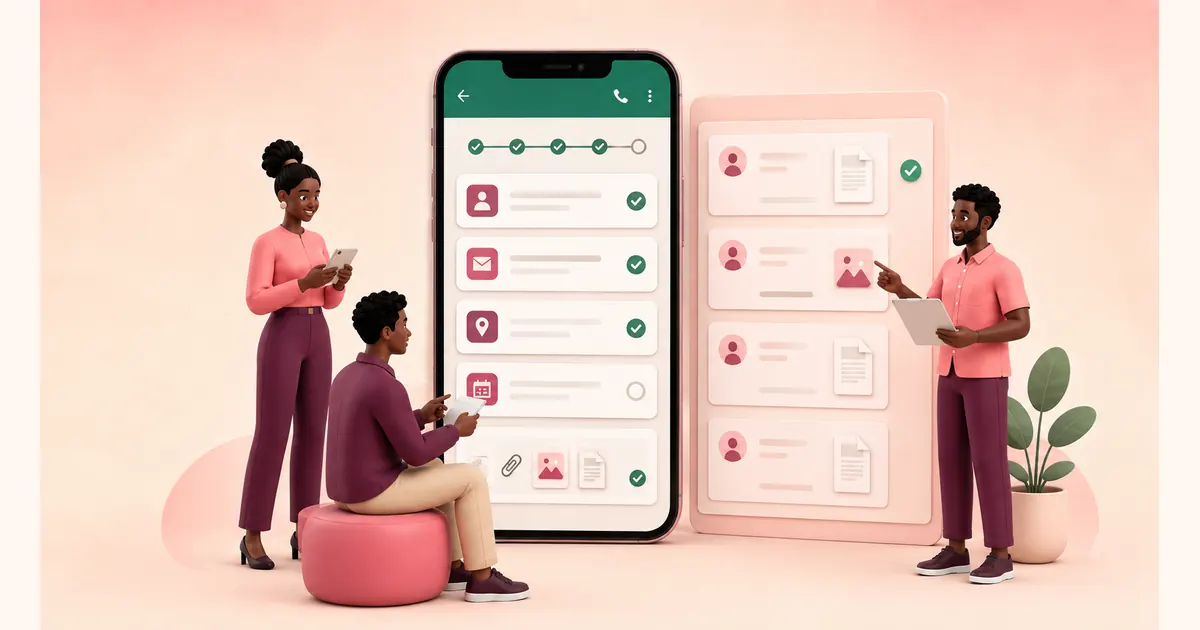
With Wasiku Ask, your team creates a form in the dashboard and chooses the questions customers need to answer. You can use text fields, dates, choices, required questions, and requests for photos or documents.
Customers access the form by starting a chat with your organisation's WhatsApp number. Wasiku then guides them through the questions directly in that conversation. They can answer one question at a time and send the requested information without creating another account or moving to a separate platform.
When the form is submitted, the answers and uploaded files appear in the Form submissions area of your Ask dashboard. Your team can review the customer's details, responses, and attachments together in one structured record.
Collect the information your team actually needs
Start by listing the information required to complete the task. For a school application, that might include the student's name, date of birth, class, parent contact, and supporting documents. For a service request, it could include the request type, urgency, preferred date, description, and a photo.
Mark essential questions as required and use the field type that matches the answer. A date field is easier to review than a date typed in different formats. Multiple-choice options produce cleaner information than asking every customer to write an answer from scratch.
Collect photos and documents in the same conversation
When a form includes a photo or document request, the customer can send the requested file through the WhatsApp conversation when your WhatsApp connection supports incoming files. Wasiku attaches the received file to the relevant submission so your team can review it with the other answers.
This is useful for identification documents, receipts, proof of payment, certificates, application photographs, and supporting evidence. Your team does not need to search through separate message threads to match a file to a customer.
Set an expiry date for time-limited forms
Not every form should remain open forever. For registrations, applications, event sign-ups, and seasonal requests, organisations can set an expiry date when creating the form. The deadline helps customers understand when submissions must be completed and prevents late responses from entering an outdated workflow.
Include the deadline in the invitation message. If a customer returns after the form has expired, your team can explain the next step or create a new form for the next intake.
Review submissions from one dashboard
Every completed submission appears in the Ask dashboard with the customer's details, answers, files, and submission timestamp. Your team can review the record, verify documents, check eligibility, assign follow-up work, or request clarification through the same WhatsApp conversation.
If more information is needed, continue the conversation and ask for a clearer photo, an additional document, or a correction. The submission remains the internal record while the conversation provides the customer-facing follow-up.
Make forms easier for customers to complete
Keep each form focused on one clear task.
Explain why sensitive information or documents are needed.
Use short, direct questions in a logical order.
Make only essential fields required.
Test the complete flow on a phone before sharing it.
Set and communicate an expiry date when the request is time-limited.
Frequently asked questions
How do customers access a WhatsApp form?
They start a chat with your organisation's WhatsApp number. Wasiku Ask guides them through the form inside that conversation.
Can customers upload documents?
Yes. Add a photo or document request to the form, and the received file can be reviewed alongside the customer's submission when your WhatsApp connection supports incoming files.
Can forms expire?
Yes. Organisations can configure an expiry date for applications, registrations, events, and other time-limited requests.
Where are completed forms stored?
Completed forms appear in the Form submissions area of the Ask dashboard, with the customer's answers, contact details, files, and submission time.
What if a customer needs to provide more information?
Your team can continue the WhatsApp conversation and request clarification or additional documents while keeping the original submission as the internal record.
Start collecting complete information in WhatsApp
WhatsApp forms give organisations a structured way to collect applications, registrations, requests, and supporting documents without asking customers to learn another system. Build the form in Wasiku Ask, share your WhatsApp number, and review completed submissions from one dashboard.
Found this helpful?
Try Wasiku free →